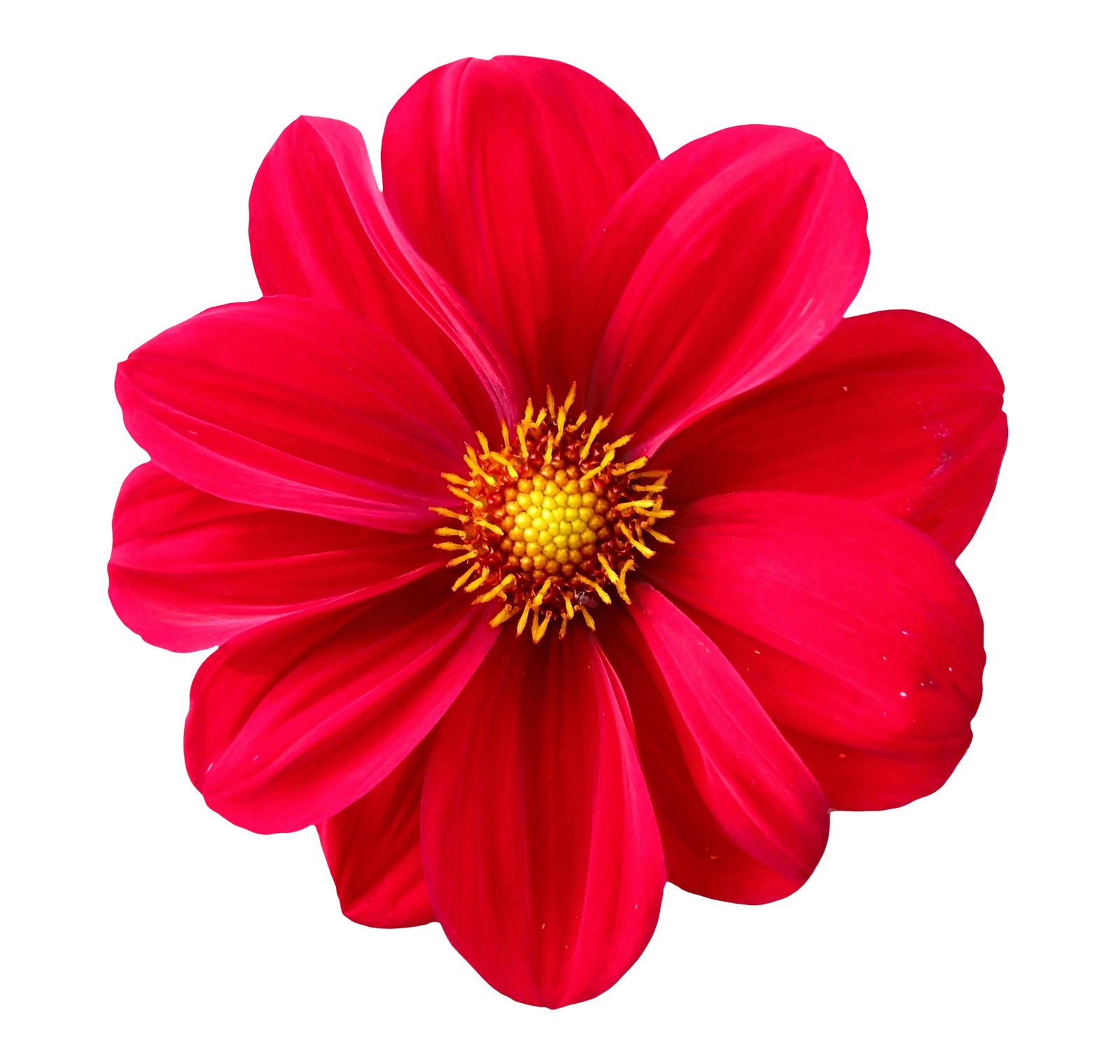

Grayscale Image Converter: A Complete Guide
A grayscale image converter is a tool or process that transforms a full‑color image into shades of gray, effectively removing all color information while preserving luminance variations. Converting images to grayscale is a common task in photography, digital design, printing, and scientific imaging because it emphasizes contrast, texture, and composition without the distraction of color.
In this guide, we’ll explore:
- What grayscale conversion is and why it matters
- Common use cases for grayscale images
- Different methods and tools for converting to grayscale
- Best practices for high‑quality conversion
- Tips to adjust contrast and brightness post‑conversion
What Is Grayscale Conversion?
Grayscale conversion involves computing a single luminance value for each pixel based on its red, green, and blue (RGB) components. Instead of displaying three color channels, the pixel displays a single intensity level from black (0) to white (255) in an 8‑bit image. The most commonly used formula is:
Luminance = 0.299 × R + 0.587 × G + 0.114 × B
This formula reflects human visual sensitivity, as our eyes perceive green more strongly than red or blue. By applying these weights, the converted image retains natural-looking brightness levels. :contentReference[oaicite:0]{index=0}
Why Convert Images to Grayscale?
- Focus on Composition: Without color, viewers notice shapes, lines, and patterns more clearly.
- Enhance Contrast: Grayscale can improve the visibility of highlights and shadows, useful for technical illustrations and medical imaging.
- Reduce File Size: Removing color channels can lower image file size for faster loading when color isn’t critical.
- Artistic Effect: Black‑and‑white photography has a timeless, classic aesthetic.
- Uniform Printing: Ensures consistent results in monochrome printing applications.
Common Use Cases
- Photography: Portraits, street photography, and fine art often use grayscale to evoke mood.
- Publishing: Books, newspapers, and technical manuals that print in black‑and‑white.
- Design Mockups: Wireframes and prototypes use grayscale to focus on layout without color distractions.
- Scientific Imaging: Microscopy, X‑rays, and satellite imagery frequently employ grayscale to emphasize intensity variations.
- Web Performance: Placeholder images or low‑priority assets may use grayscale for faster load times.
Methods for Converting to Grayscale
1. Online Grayscale Converters
Online tools are the quickest way to convert images without installing software. Simply upload your image, apply the grayscale filter, and download the result.
Popular Online Tools
- Photopea: Web‑based editor with a “Desaturate” option under Image → Adjustments.
- LunaPic: Select Filters → Black & White to instantly convert.
- Fotor: Offers a grayscale effect slider under its Color splash menu.
Steps Using an Online Tool
- Open the website and upload your image.
- Locate the grayscale or desaturate function.
- Adjust any contrast or brightness sliders if available.
- Download the converted image in PNG or JPEG format.
2. Desktop Software
For professional control, desktop applications provide advanced settings for fine‑tuning the conversion.
Adobe Photoshop
- Image → Mode → Grayscale to discard color channels.
- Or use Image → Adjustments → Black & White for customizable channel mix.
- Adjust individual color sliders (Reds, Greens, Blues) for precise tonal control.
GIMP (Free & Open Source)
- Image → Mode → Grayscale for simple conversion.
- Or use Colors → Desaturate → Luminosity to apply weighted desaturation.
Lightroom
- Develop module → HSL/Color → B&W panel to convert and tweak individual color luminance.
- Fine‑tune contrast with tone curve adjustments.
3. Mobile Apps
On‑the‑go conversion is possible with smartphone apps that include simple filters.
- Snapseed: Use the Black & White filter and choose from presets such as Neutral or High Contrast.
- VSCO: Apply B1–B5 black‑and‑white presets and adjust exposure or contrast.
- Adobe Photoshop Express: Offers a grayscale filter with customizable intensity.
Best Practices for High‑Quality Conversion
- Work with RAW or High‑Resolution Files: Start with the best source to retain detail after conversion.
- Adjust Contrast Thoughtfully: Use curves or levels to prevent flat midtones or blown‑out highlights.
- Preserve Texture: Avoid over‑smoothing—retain fine details by balancing sharpening and noise reduction.
- Consider Grain: Adding subtle film grain can enhance the classic black‑and‑white look.
Post‑Conversion Adjustments
- Brightness & Contrast: Tweak to improve the dynamic range.
- Dodge & Burn: Selectively lighten or darken areas to guide the viewer’s eye.
- Vignette: Darken edges slightly to focus attention on the center.
- Sharpening: Apply local sharpening to enhance key details.
Conclusion
A grayscale image converter is an indispensable tool for anyone working with digital images, from photographers and designers to scientists and web developers. By understanding the underlying luminance calculations and using the right software or online service, you can produce crisp, dynamic black‑and‑white images that highlight form, texture, and contrast.
Experiment with different conversion methods and post‑processing techniques to find the style that best suits your artistic vision or technical requirements. With the proper approach, grayscale conversion becomes more than just removing color—it’s a creative process that can transform the way audiences perceive your visual content.